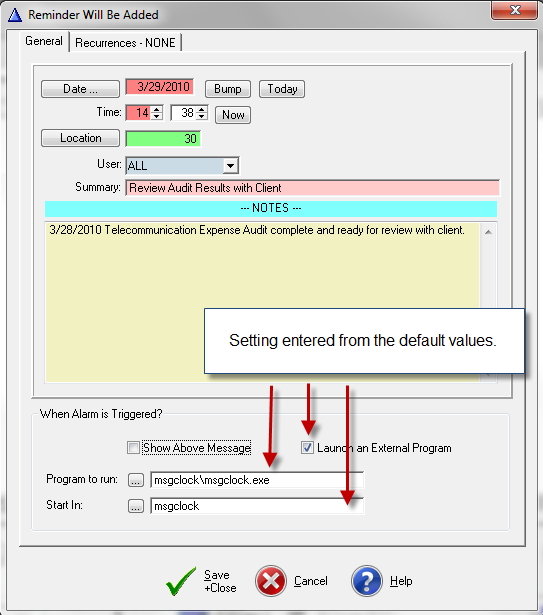
Reminder Alarm Default Settings

Contents
•Administrator Users have a choice for Reminder Alarm default settings:
a)Select FILE > Company Setup ... > Company Vendor Info > click on the [Change] button > click on the Reminder Alarm Default Values TAB.
b)Select the Show Reminder Message checkbox, which provides an audio and visual alarm built into TelcoMgr;
c)Or select Launch an External Program checkbox to notify the users when TelcoMgr triggers a message in connection with a Reminder Alarm inside TelcoMgr.
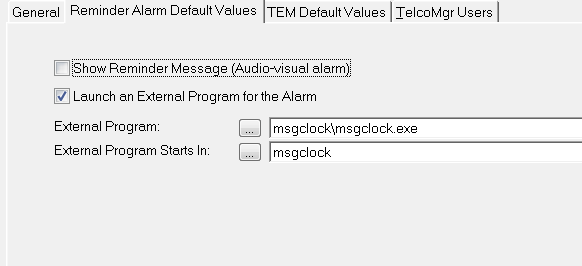
The screen above is from the update form for the Company Defaults file. These default values are set inside a new Reminder Alarm window as shown below.