Getting Started with User Security

Contents
Three things must be done to implement security in TelcoMgr.
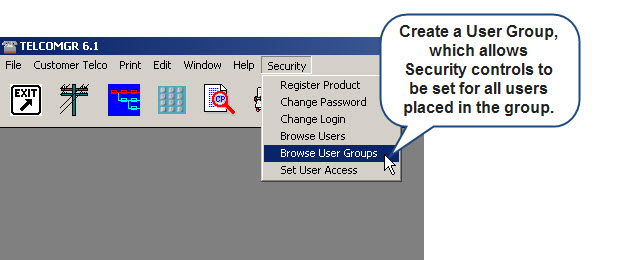
•First, set up your user groups. Take some time to organize groups of users by department or job function.
•Second, add your users. Assign every user a Login and Password.
•Third, define screen access levels.
Setting the First User
TelcoMgr is distributed with a User or Group defined. Therefore, Login is optional until the First User is created. Once a First User is created then TelcoMgr will demand a valid Login. Therefore, it is very important that you retain the appropriate information about your First User. The process may not be reversed and Login shall no longer be optional to TelcoMgr Users.
The "Create First User Wizard" may be found under the Security main menu option and through a couple of mouse clicks your first user may be created.
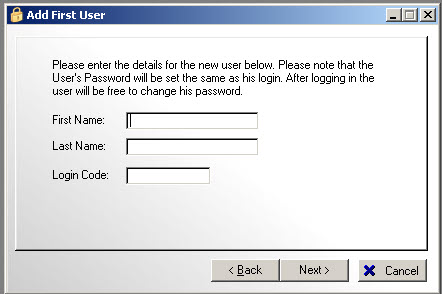
After setting up your First User, and writing down your First User Login Code (and password) then quit and restart TelcoMgr to login for the first time.
Setting-up User Groups
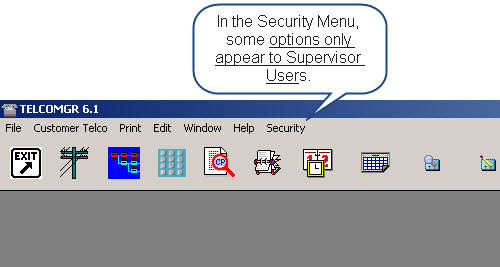
If you have previously setup your security options, you must login as a Supervisor to edit the User Security file.