Copying A Rate Comparison Template

Contents
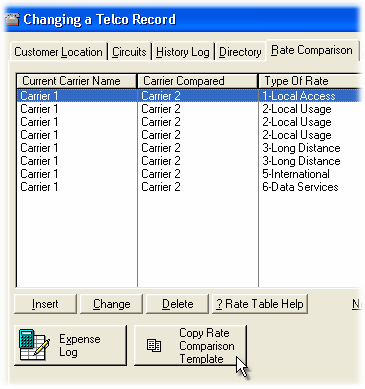
A Rate Comparison Template may be copied from the Rate Template Table window or the Location - Rate Comparison window.
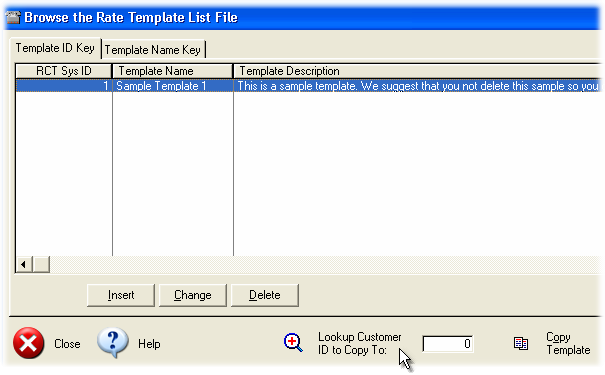
Steps to Copy an RCT from the RCT list window:
| 1. | Select the Template with the highlight or scroll bar. |
| 2. | Select the [Lookup Customer ID to Copy To:] button. |
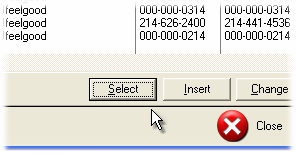
| 3. | Using the highlight bar or scroll bar, select the appropriate Customer/Location record. |
 |
| 4. | Select the [Copy Template] button. |
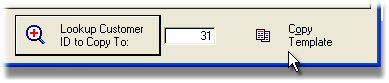
5. The Template Items are copied to the Customer/Location Rate Comparison Table.