Telephone Directory

Contents
A telephone directory can be created and printed with TelcoMgr. Names in the directory are displayed in alphabetical order by Last Name, Middle Initial, and First Name. Several formats of the directory may be printed. The user has the option of printing a directory with:
•Information flagged for Internal use only, or
•Flagged for External use only, or
•For Both.
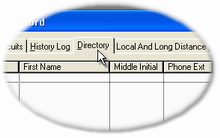
The Directory appears on the Customer Editor Screen as a TAB entitled Directory.
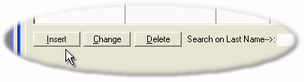
Select:
•[Insert] to add a new entry to the directory.
•[Change] to edit an existing record.
•[Delete] to remove an existing record.
The following screen shows the Directory Editor Window:
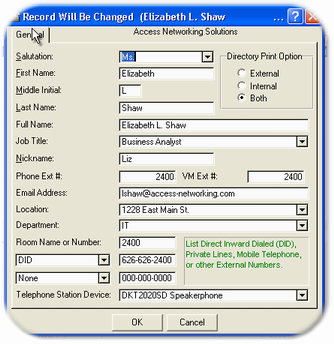
Enter the appropriate information. The 'External' flag or radio button means that the entry will only be printed on Directory reports designated for external use. 'Internal' mean that the entry will only be printed on Directory reports designated for internal use. 'Both' means that the entry will only be printed on Directory reports designated for both use.
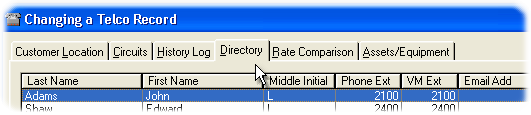
The Directory tab may be hidden due to User Security settings.
Search and Query results for the Directory Table, plus allow to copy the Directory Table to Excel.